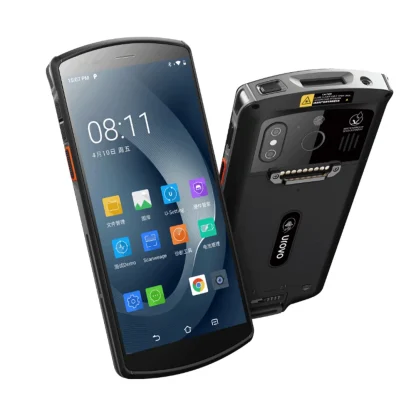
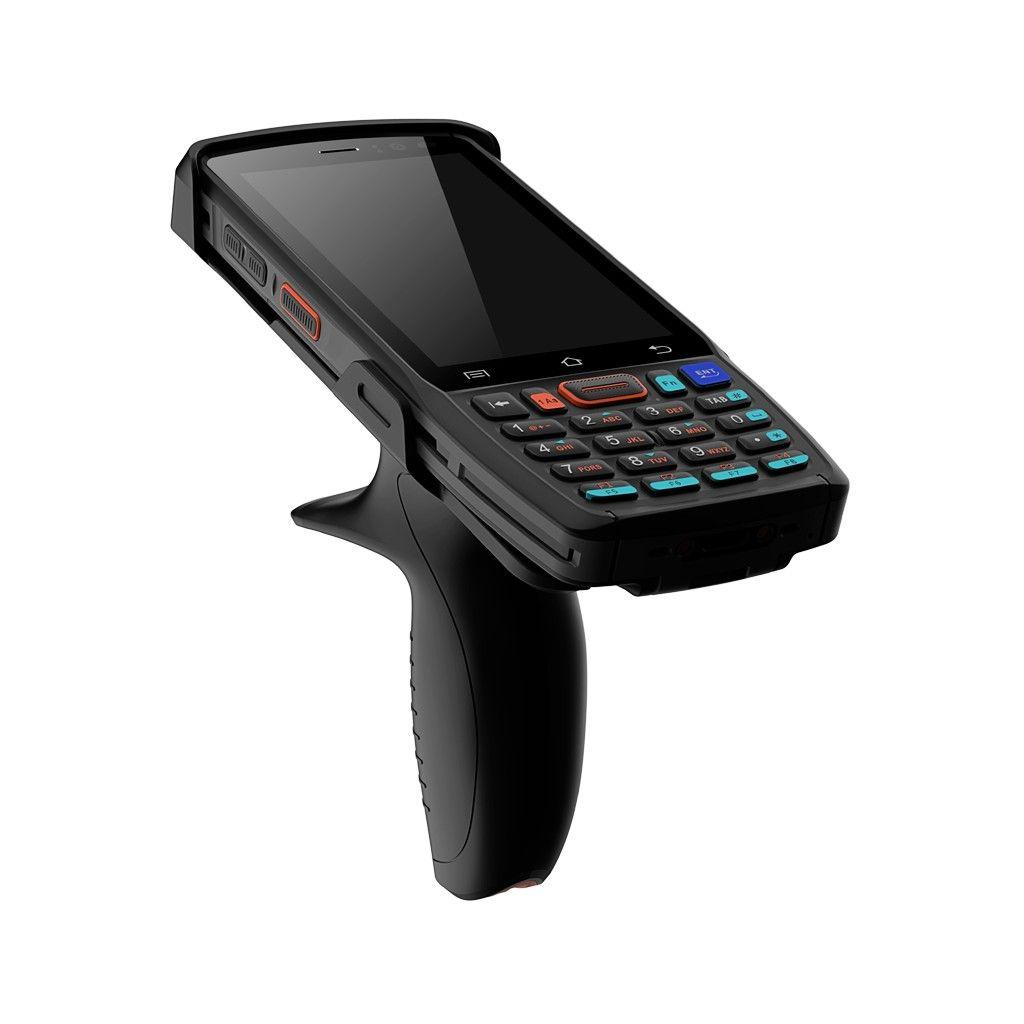
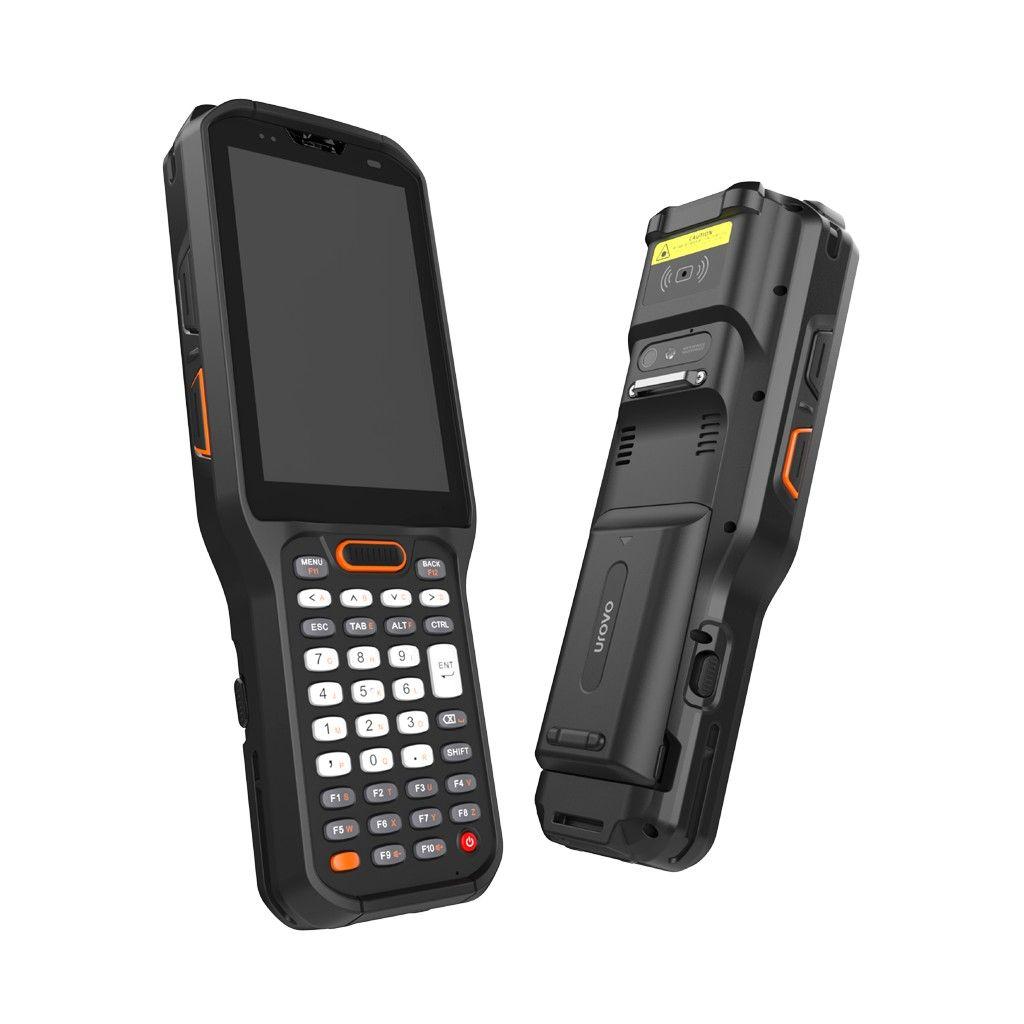
DT50S: start here for touchscreen-led workflows
Evaluate the Urovo DT50S when the job centres on tapping through a picking app, checking stock details and scanning items. Use your actual application to assess screen layout, one-handed reach and scan-trigger access. Confirm glove use and readability on an evaluation unit rather than assuming a phone-style workflow fits every operator.
DT40: start here for repeated keypad entry
Urovo describes the DT40 as combining a four-inch touchscreen with a physical keypad. Evaluate this format when staff repeatedly enter quantities, use shortcuts or work through a key-driven application. Map the required keys and test whether the software receives them correctly; the presence of a keypad alone does not establish compatibility.
RT40S: assess rack work and specialist environments
Evaluate RT40S when the workflow calls for a keypad and an appropriate extended-range scanning configuration. Cold-chain requirements need the corresponding variant. Confirm the keypad layout, engine and accessories on the ordered SKU rather than treating the model family as one specification.
Give operators the same task on each shortlist device
Run a complete receiving or picking sequence: scan, enter a quantity, correct an error, confirm a location and move to the next item. Include busy periods, gloves and the actual carrying method. Record retries and handling difficulties before deciding which format fits the team.
Plan the application and accessories together
Validate Android application support, scanner integration, MDM enrolment, Wi-Fi roaming and scan-data formatting. Confirm shipping Android version, available upgrades and security-support terms for the exact SKU. Quote cradles, batteries, handles and mounts separately; existing accessories need explicit compatibility checks.
Build a rollout quote around the selected Urovo configuration
Send IOR your application, current device, input method, scan distances, site count and quantities. Include charging arrangements and shift patterns. Start with a representative evaluation before committing to the wider estate. Availability, pricing and support terms are confirmed on quotation.
Common questions
Should warehouse pickers use a keypad or touchscreen?expand_more
Evaluate both against the application. Frequent quantity entry and keyboard shortcuts favour a keypad trial; visual navigation and touch controls favour a touchscreen trial. Operator testing should decide.
Does choosing a keypad give me long-range scanning?expand_more
No. Keypad layout and scan engine are separate choices. Specify the engine and validate the required scanning distances independently.
Can Urovo replace our current warehouse handhelds?expand_more
IOR can help assess a Urovo migration. Validate applications, scanner integration, device management, accessories and lifecycle requirements before committing to replacement.