Knowledge Base
Find setup guides, troubleshooting help, and technical documentation for the products we supply and support.
Tip: press ⌘K anywhere on the site to search hardware, articles, and resources.
Most viewed
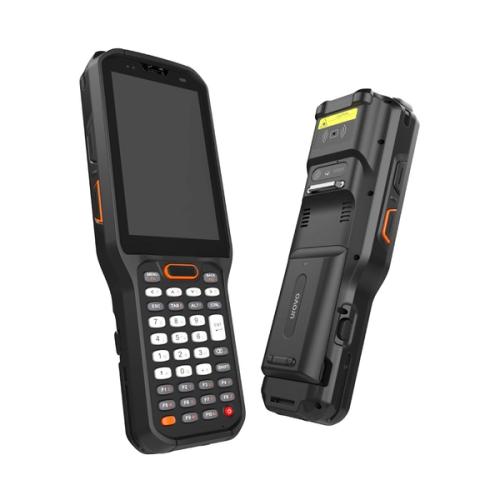
How to enter Android Recovery mode on a Urovo RT40 or DT40
Reach Android Recovery on the Urovo RT40, RT40s, or DT40 — the entry combo, the volume-key unlock sequence, and the longer Android 11 variant.
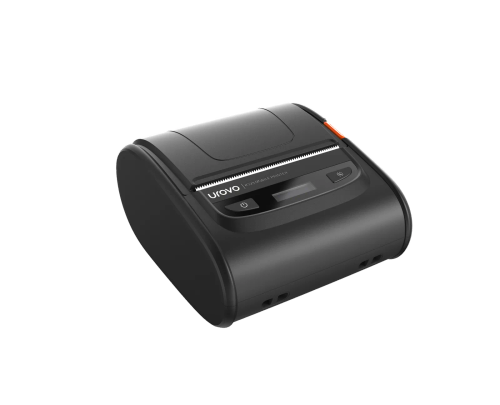
How to install the Windows driver for the Urovo K329
Pair the K329 over Bluetooth and bind the Urovo Seagull driver pack so Windows can actually print to it. Full install walkthrough for Windows 10 and 11.
How to disable the on-screen keyboard on a Newland EA320
On Newland EA320 Android handhelds, the on-screen keyboard pops over the POS app. Use StageGO to disable the Gboard package and reboot.
Browse by category
Setup Guides
5 articles
Step-by-step instructions for configuring and deploying devices, from unboxing to production.
Browse setup guidesarrow_forwardTroubleshooting
3 articles
Diagnose and resolve common issues with scanners, mobile computers, POS systems, and printers.
Browse troubleshootingarrow_forwardWarranty & RMA
0 articles
Understand warranty terms, return processes, and how to get the most from your service agreement.
scheduleComing SoonConnectivity
0 articles
Wi-Fi, Bluetooth, cellular, and network configuration guides for enterprise mobile devices.
scheduleComing SoonVertical Guides
0 articles
Industry-specific guidance for retail, healthcare, logistics, agriculture, and government deployments.
scheduleComing SoonCan't find what you're looking for?
If you need help with something not covered here, our support team is ready to assist.
Need hands-on support?
Our engineers work directly with your team to resolve issues, configure devices, and keep your operations running smoothly.