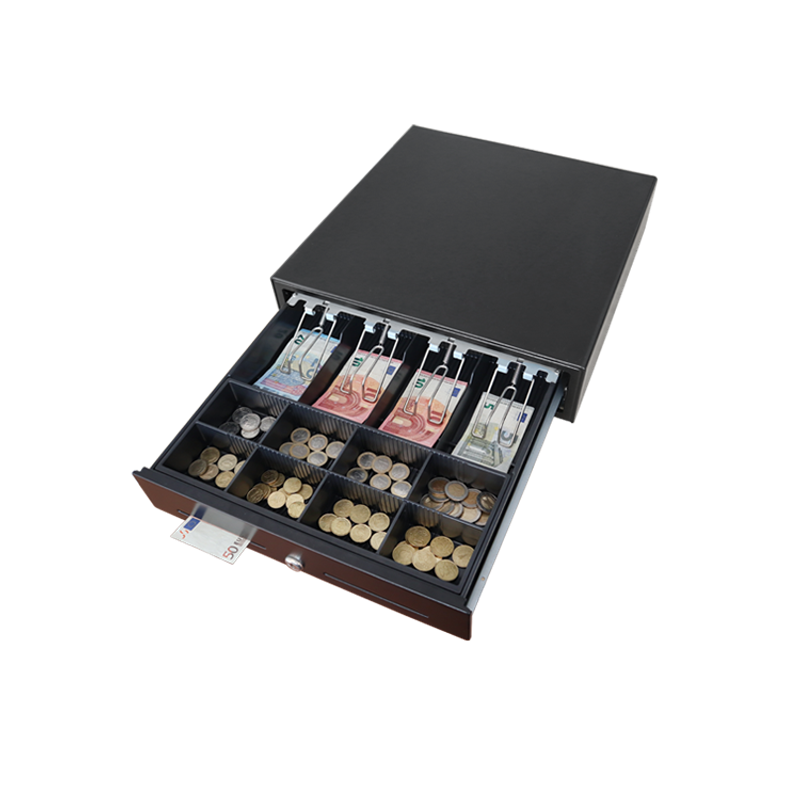
If a Maken MK-410 cash drawer arrives on site and the key just turns in the lock without opening it, the drawer has almost certainly taken a knock in transit and the drawer body is jammed behind the spring inside the housing. It's a five-minute fix with a Phillips screwdriver — no replacement needed and no warranty case.
Before you start
- A Phillips-head screwdriver. Nothing else needed.
- A flat work surface. The drawer is heavier than it looks once the cover is off.
- Roughly five minutes of bench time per unit.
Open the housing

- Flip the drawer upside down so the rubber feet point upwards and the front of the drawer faces you.
- Unscrew the four rubber feet, one in each corner.
- Remove the four screws at the corners of the metal base plate. Leave the screws in the centre alone — those hold the solenoid and spring mechanism in place and you don't want them moving.
- Slide the base plate forward to release it from the housing slots, then carefully flip the drawer back the right way up.
Free the drawer body
- Lift the top cover off.
- Release the drawer body from the spring and pull it out. The cash drawer insert can get in the way at this point — slide the whole assembly out together if it makes it easier.
- Remove the insert from the drawer body so you can see the wheels on the underside of the drawer.
Reassemble
- Line the drawer wheels up with the metal tracks inside the main housing.
- Slide the drawer in and confirm it moves freely along the tracks. If it binds, the wheels are off the track — back it out a few centimetres and re-seat.
- Put the insert back in.
- Refit the top cover, slide the base plate back into its slots, and replace the four base-plate screws and the four rubber feet.
- Test: with the printer trigger or the manual key, the drawer should now pop open cleanly.
If that didn't work
- If the drawer still binds after re-seating the wheels, check that the spring on the solenoid mechanism is intact and seated.
- If the key turns freely but the lock cylinder doesn't engage the latch at all, the lock itself is faulty rather than the drawer. That's a warranty case.
- If the drawer pops open with the key but won't open from the printer trigger, the issue is the RJ11 cable, the printer's drawer-kick voltage, or the solenoid coil — different problem; see the printer/POS side first before opening another drawer.
When to raise a ticket
If after this procedure the drawer still won't open, raise an RMA at /support/rma-warranty with the drawer serial number from the label on the underside, your invoice or PO reference, and a short note describing what you tried.