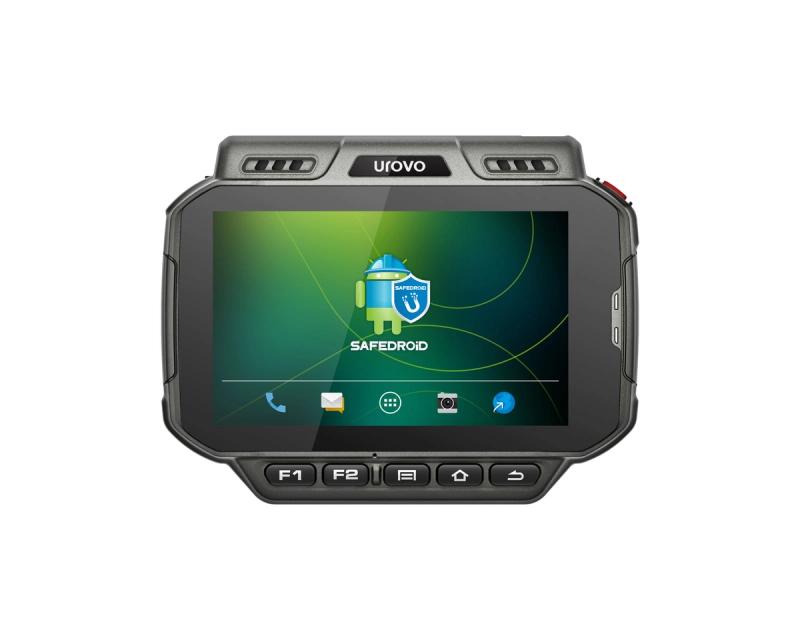
The Urovo U2 ships with Android 10, and like other Urovo handhelds it gates Android Recovery behind a key combination plus a volume sequence so you can't reach it accidentally.
Before you start
- Charge the device first. The recovery menu has no battery indicator and a flat U2 mid-wipe is a bricked U2.
- Decide what you actually want to do in recovery. Wipe data / factory reset deletes everything — including any MDM enrolment — and the device will need re-staging.
- Have the device in your hand on a flat surface. The U2's wide form factor makes it easier to mis-press the volume rocker if you're holding it one-handed.
Step 1 — Enter the recovery prompt

- Press and hold Volume+ and the Power key at the same time. Both are on the top edge of the U2.
- Keep both held until you feel a vibration or hear a beep — that's the device confirming it's about to enter recovery rather than boot normally.
- Release both keys. The screen will show an unlock prompt — that's the gate you bypass with the volume sequence below, not Recovery itself.

Step 2 — Unlock the recovery menu
Once the unlock prompt appears, do not press the Power key — that just reboots the device back to Android. Instead, tap the volume keys in the exact sequence below.
- V+ V- V+ V- V+ V+ V- V- ( + - + - + + - - )
Press each key cleanly — too fast and the device misses presses; too slow and it times out and reboots. Aim for roughly one press per second.
Step 3 — Use the recovery menu

Once the orange-on-black Android Recovery menu appears, navigation works differently from a normal Android touchscreen — touch input is disabled in this mode.
- Volume up and Volume down move the highlight bar up and down through the menu.
- Power confirms the highlighted choice.
If that didn't work
- If the device just boots normally after the V+ / PWR hold, you released too early. Hold both until you definitely feel the vibration before letting go.
- If the unlock screen appears but the volume sequence never opens Recovery, you may be hitting the keys too quickly. Slow down — one press per second is fine.
- If the unlock screen never appears and the device is stuck on the Urovo logo, force a power-off (hold Power for 15 seconds) and start over.
When to raise a ticket
If you can't enter Recovery on a U2 that you know was working previously — and a forced power-off doesn't help — raise a ticket at /support/ticket with the device serial number and a short description of what happens at each step.