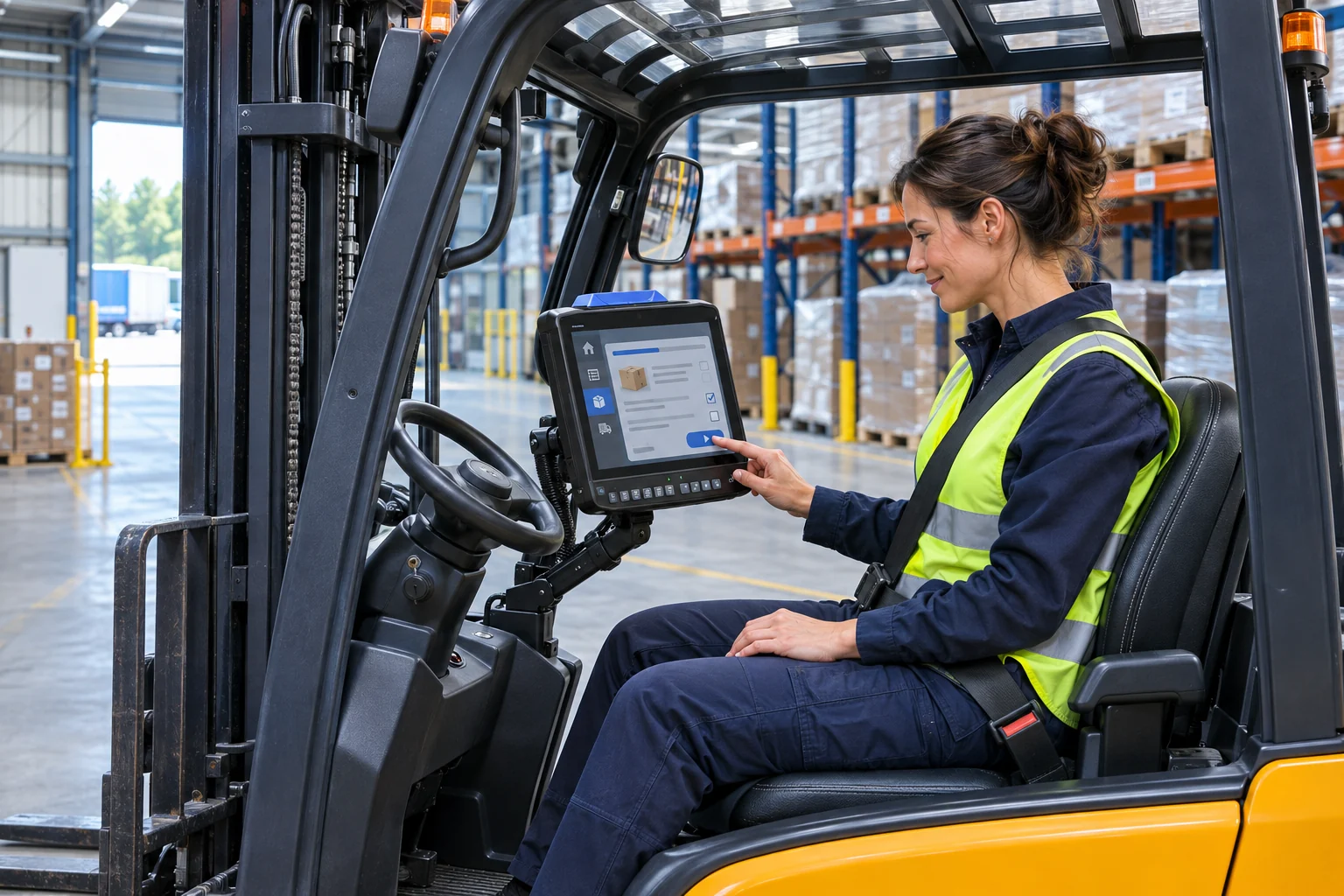
Start with the task on the truck
List what the operator actually does: receiving, put-away, replenishment, picking or dispatch. Note whether the screen displays a task list, a browser form or a remote desktop. A large display helps only if the application remains legible and its controls can be reached comfortably from the installed position.
Fixed terminal or docked tablet?
A fixed terminal suits a workflow where the computer stays on the vehicle. A docked tablet may suit workers who need to take the same device away from the truck. Compare the complete installation: dock, bracket, power supply, cabling and service process. A tablet-only price does not describe a working vehicle solution.
Choose the application platform first
Ask the software owner for the supported operating systems, browser versions, display resolutions and peripherals. Windows, Android and Linux are separate deployment choices. A browser interface does not automatically make a WMS platform independent. Test login, scanning, session recovery and any printing before selecting the terminal family.
Evaluate the whole shift
Test with the actual gloves and the proposed scanner. Check readability in changing light, touch accuracy, Wi-Fi roaming and what happens when the ignition switches off. Assess the bracket position with the installation provider so it does not obstruct visibility, access or truck controls. Include software licences and management costs in the comparison.
Prepare a useful quotation request
Send the application name and version, truck models and quantities, nominal voltage, environment, current device and target rollout date. IOR can use these details to scope a terminal and accessory quotation. Begin with an evaluation whose success criteria are agreed before committing the fleet.
Manufacturer references
Model specifications vary by configuration. Sources checked 10 November 2026.