A Urovo shortlist for inventory work
A shop-floor stock check and a warehouse cycle count put different demands on the handheld. Use these starting points to request an evaluation, then confirm the exact scanner configuration and application support.
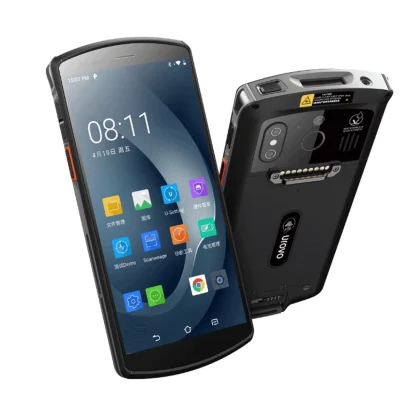
- doneUrovo DT50S: evaluate touch-led stock lookup, receiving and count applications
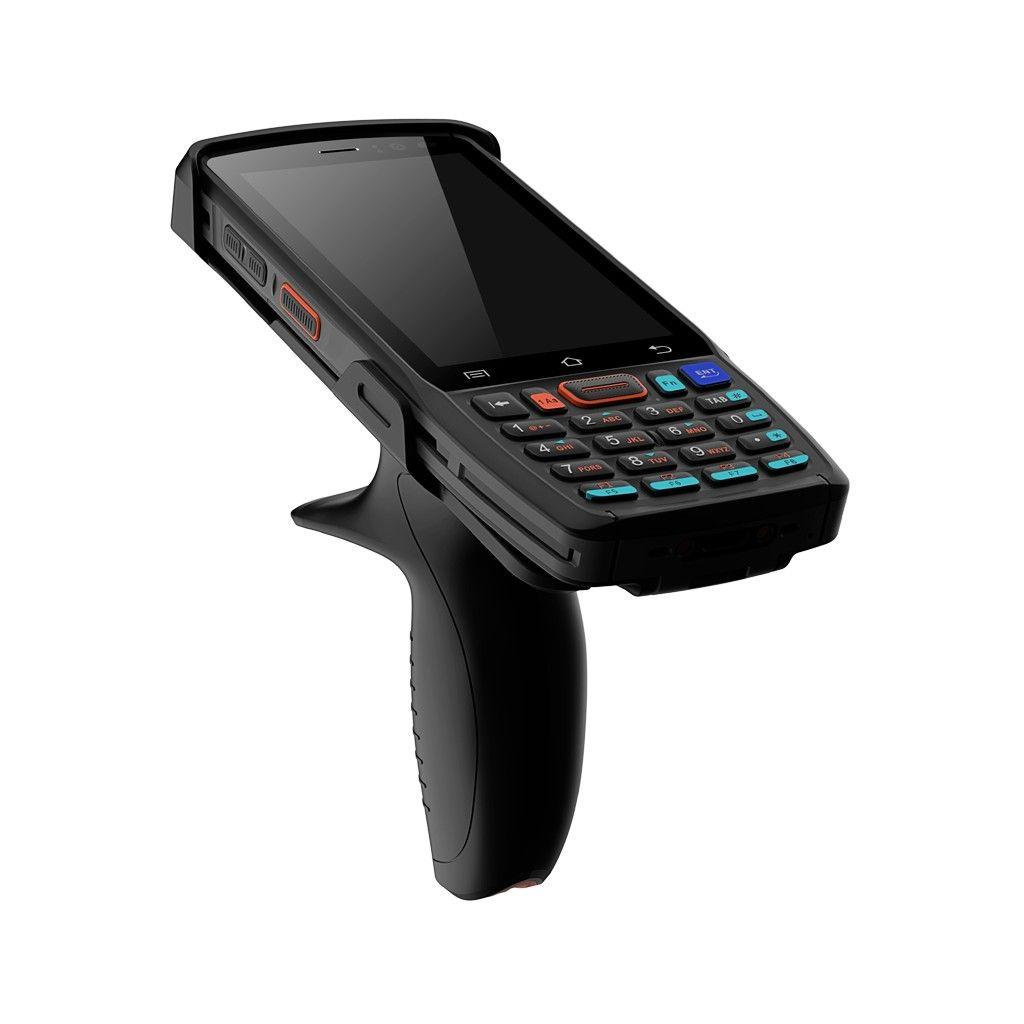
- doneUrovo DT40: evaluate workflows with frequent quantity entry or keypad shortcuts
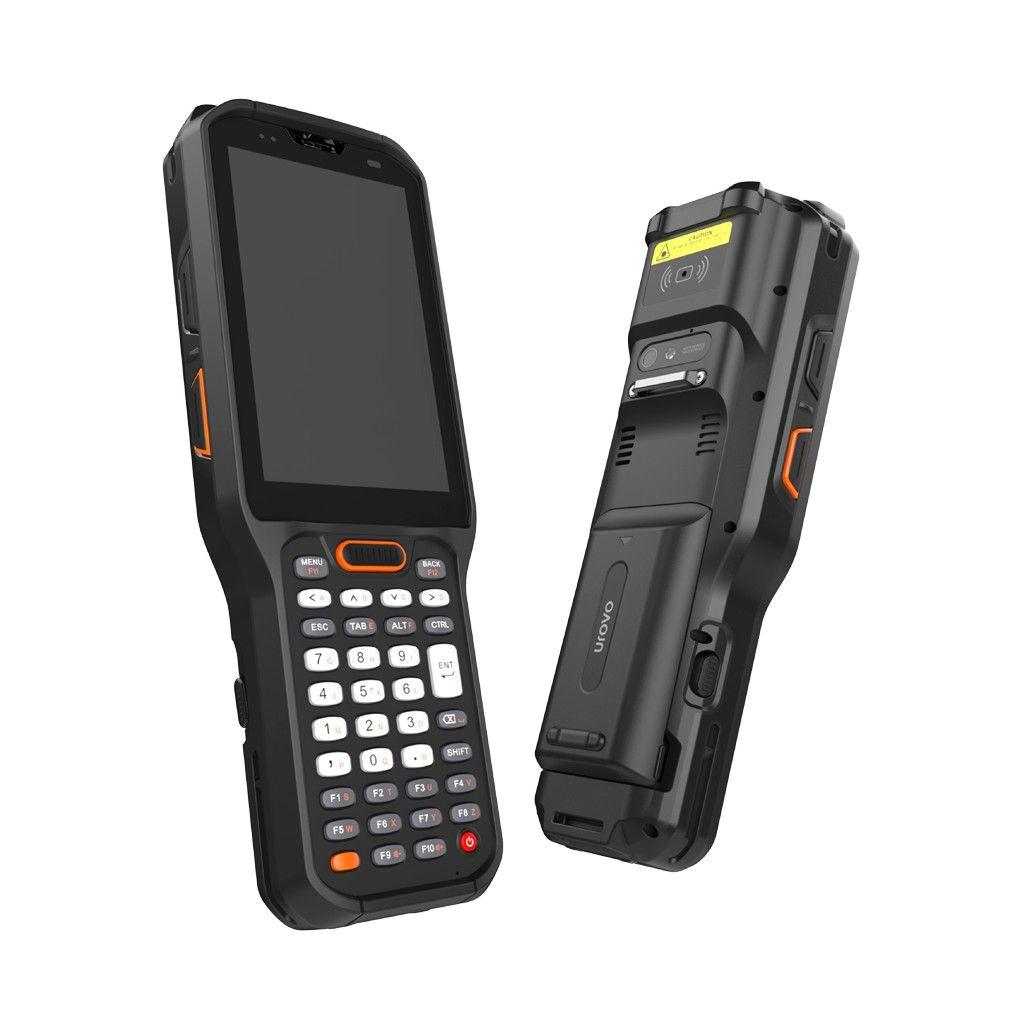
- doneUrovo RT40S: assess the appropriate scanner configuration for rack labels and mixed-distance warehouse counts
Test a complete stock movement in your software
On the shortlisted Urovo device, receive an item, scan its location, enter a quantity, correct an error and complete a count. Check barcode prefixes, suffixes, leading zeros and unit-of-measure handling. If offline working is needed, confirm how the application stores and synchronises transactions; the hardware alone does not provide this workflow.
Match the device to the workflow
A stockroom count, a warehouse picking route and a field-service workflow can all need different hardware. The scan engine, battery, screen size, grip, keyboard, charging accessories and connectivity should follow the job staff actually do.
Specification checklist
Before quoting a mobile computer, it helps to define the scan type, application, shift length and accessory requirements.
- done1D, 2D, long-range or near-range scanning
- doneWi-Fi only or cellular connectivity
- doneRemovable batteries, docks and spare chargers
- doneAndroid version, security updates and MDM needs
Replacing older handheld estates
If you are replacing Windows CE, older Android, consumer phones or discontinued handhelds, share the existing model and application requirements. We can help identify current alternatives and rollout accessories.
Common questions
Are mobile computers different from barcode scanners?expand_more
Yes. A barcode scanner usually sends scan data to another system. A mobile computer runs applications on the device and normally includes an integrated scanner.
Do mobile computers need accessories?expand_more
Most operational deployments need charging docks, spare batteries, cases, hand straps, screen protectors or vehicle mounts. Accessories should be included in the quote.
Can IO Resource help replace discontinued handhelds?expand_more
Yes. Share the old model, operating system, application and barcode requirements, and we can recommend practical replacement options.